

What is a project risk assessment?
A project risk assessment identifies events that could affect scope, budget, timing or delivery, then ranks them so the team can act before they become issues. It turns uncertainty into a practical project risk register with clear priorities and mitigation plans.
This helps protect deadlines and costs, improves planning, and gives each important risk an owner and a response.
Project risk score formula
Likelihood × impact
Score each factor from 1 to 5. The calculator multiplies them to produce a risk score from 1 to 25.
How to use the project risk calculator
Add one risk at a time, score its probability and consequence, then record the action that will reduce it.
- 1
Name the project and risk
Use a specific risk such as “Client approval delayed” instead of a broad label such as “Timeline”.
- 2
Choose the category
Group related risks under delivery, budget, scope, people, technology or compliance.
- 3
Score likelihood and impact
Rate both from 1 to 5 based on the current project context, not a worst-case scenario.
- 4
Add a response and review
Record how you will prevent, reduce or respond to the risk, then revisit the score when the project changes.
Turn each risk response into work your team can follow
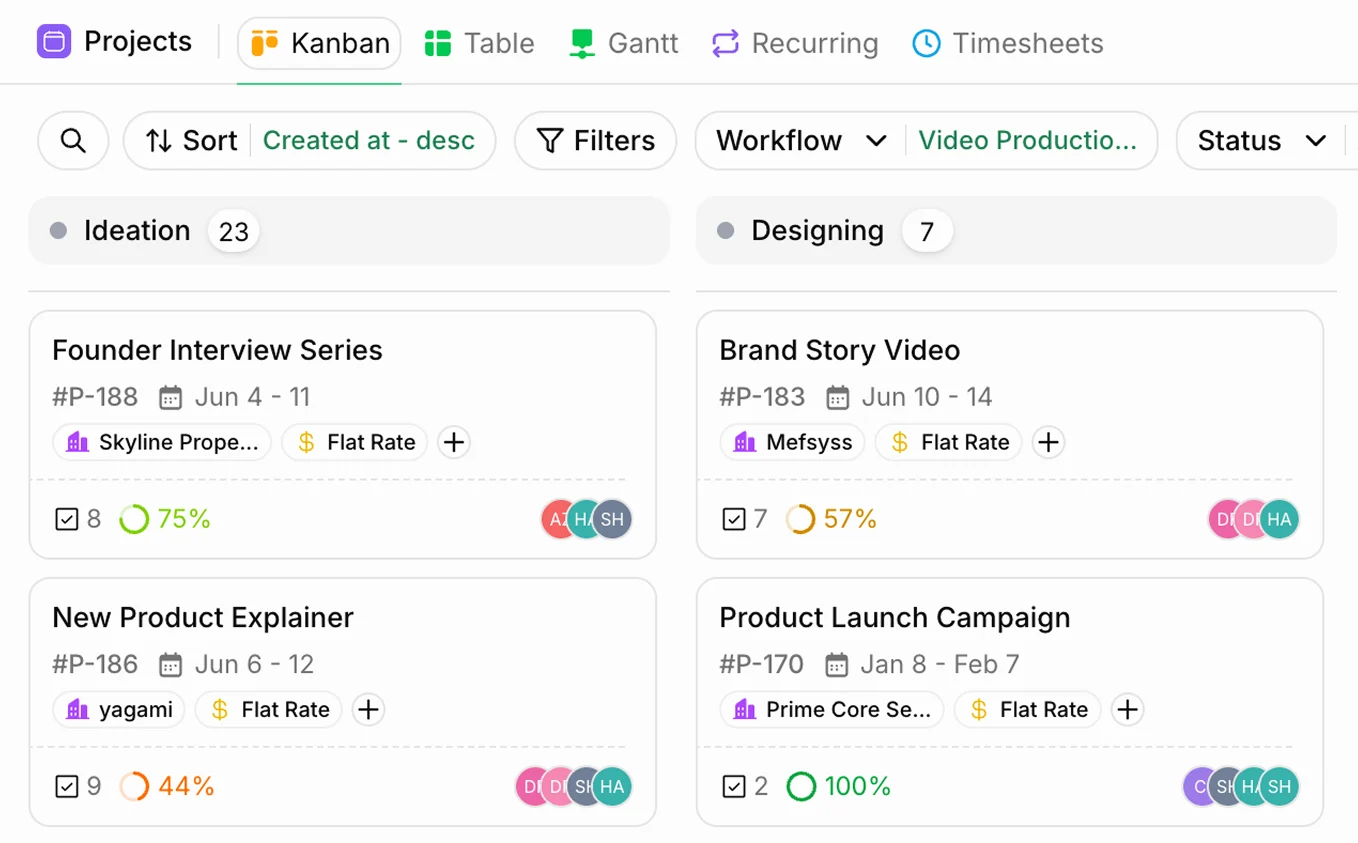
A risk register is most useful when the response has an owner and a place in the delivery plan. Heffl Projects keeps project stages, tasks, time, quotations and financial details connected, so the next action does not disappear into a separate document.
- Build project stages around the way your team delivers.
- Assign tasks, deadlines and responsibility for the response.
- Keep project activity and commercial context together.
Frequently asked questions
What is a project risk assessment?
A project risk assessment is a structured way to identify events that could affect a project, estimate their likelihood and consequence, and decide what to do about them before they become active problems.
How is a risk score calculated?
This calculator multiplies likelihood by impact. Both are scored from 1 to 5, so each risk receives a score between 1 and 25. Higher scores indicate risks that deserve earlier attention or a stronger response plan.
What is the difference between a risk and an issue?
A risk is a possible future event. An issue is something already affecting the project. Risks need monitoring and contingency planning; issues need an immediate owner, decision and resolution plan.
When should I update a project risk register?
Review it at project kickoff, before important delivery milestones, and whenever the scope, budget, timeline, suppliers or team changes. Fast-moving projects benefit from a short weekly review.
What do likelihood and impact mean in risk assessment?
Likelihood describes how probable a risk is, while impact describes how seriously it could affect the project if it happens. Scoring both separately helps a team compare very different risks on a consistent scale.
Is this project risk calculator free to use?
Yes. You can score risks and build a simple project risk register in your browser without creating an account.
Related tools for planning a safer project
These are the closest matches because they address the two risks that most often need clarity before delivery begins: scope and budget.
