
Project management software for SMEs
Run projects without chasing the work.
Build the stages your team uses, keep tasks and time connected, and see the next thing that needs attention.
Your work already has a process. Your project tool should follow it.
Traditional PM tools
Project software should not make delivery harder.
- Stages that do not match the work
- Financials disconnected from delivery
- Too much setup for a simple next step
- Complex views that slow the team down
- Reports that need their own spreadsheet
Heffl Projects
Build the workflow around how you deliver.
1
Plan
Brief and scope
2
Deliver
Work and time
3
Review
Client sign-off
Time stays with delivery
Invoices stay in context
Reports show the next move
- Build a project flow that matches the work
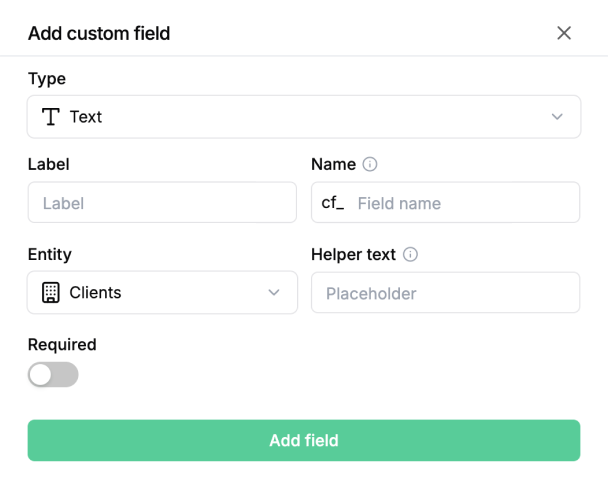
- Set stages that make sense for each project
- Keep time, invoices and delivery connected
- Keep the next step clear for the team
- See what needs attention before it slips
Built around how your team delivers
Set up projects the way your team already works.
Set up project stages, fields and templates around how your team gets work out the door.
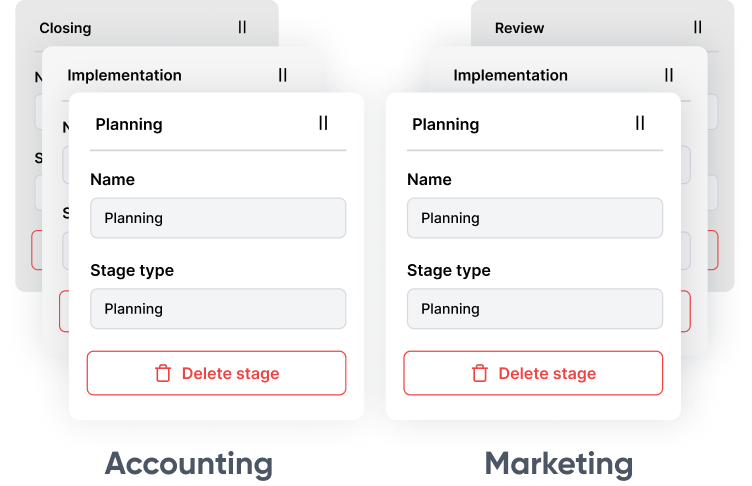
Give each project its own stages
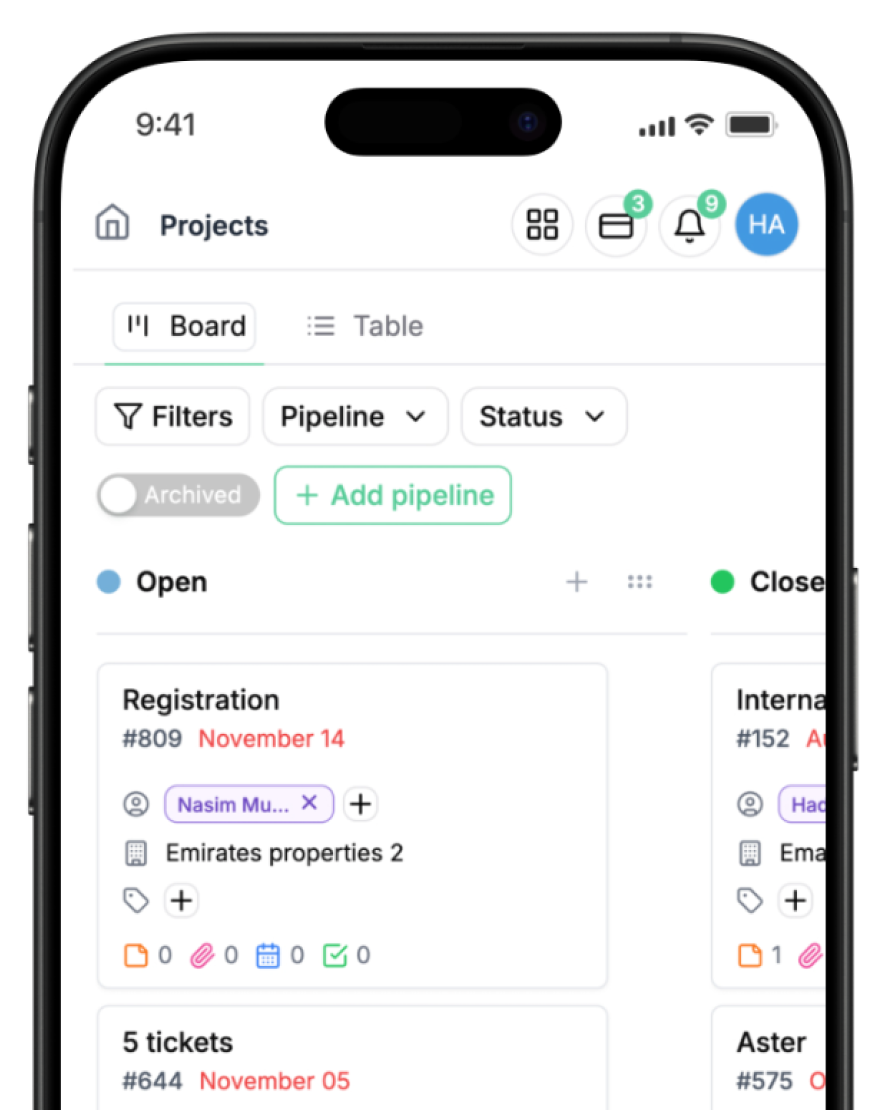
Start from a workflow your team knows
Keep delivery and money connected
Keep time, money and delivery in the same picture.
Keep timesheets, invoices and project details connected, then see the financial context behind delivery.
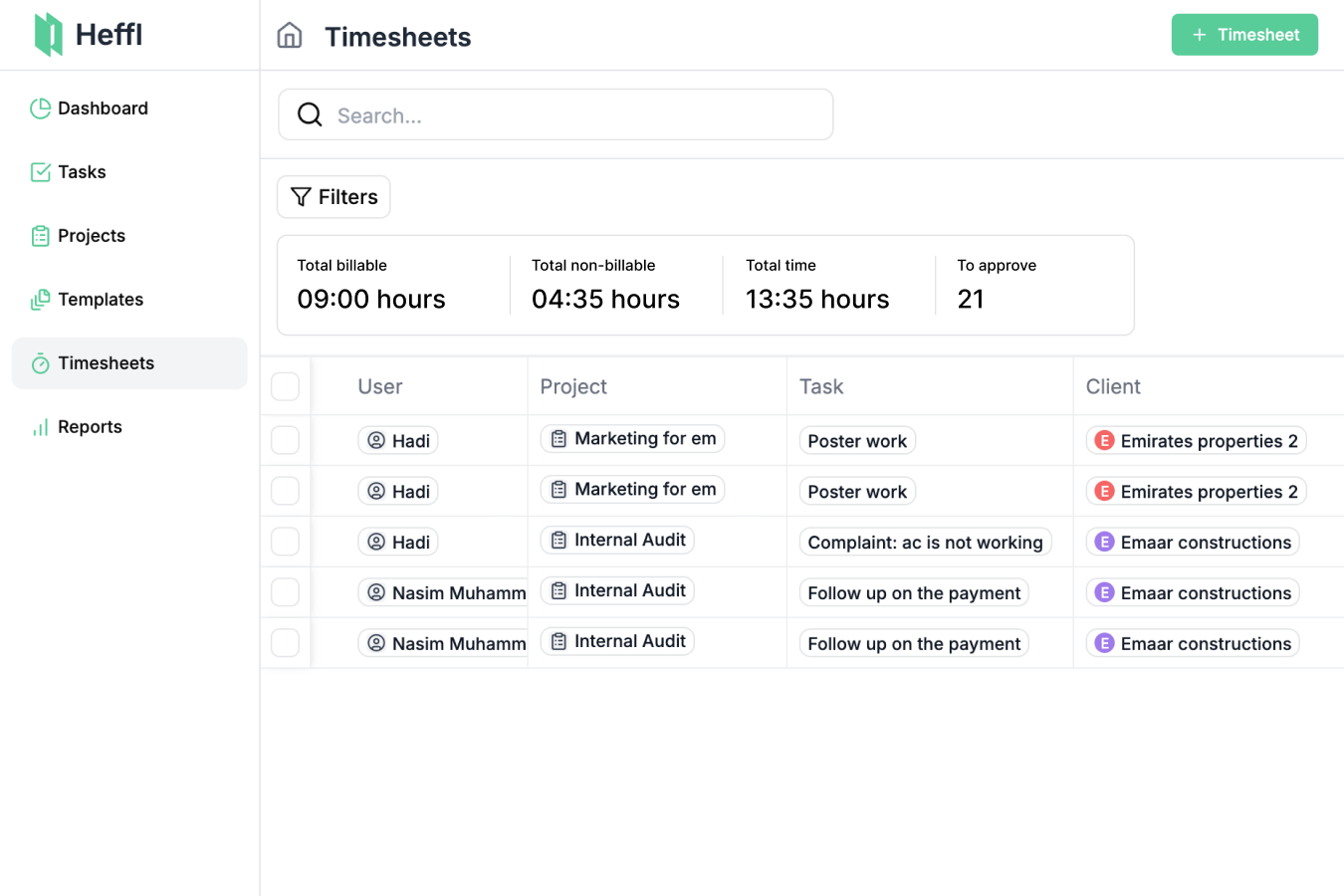
Know where the hours go
Log and review time against the work your team is delivering.
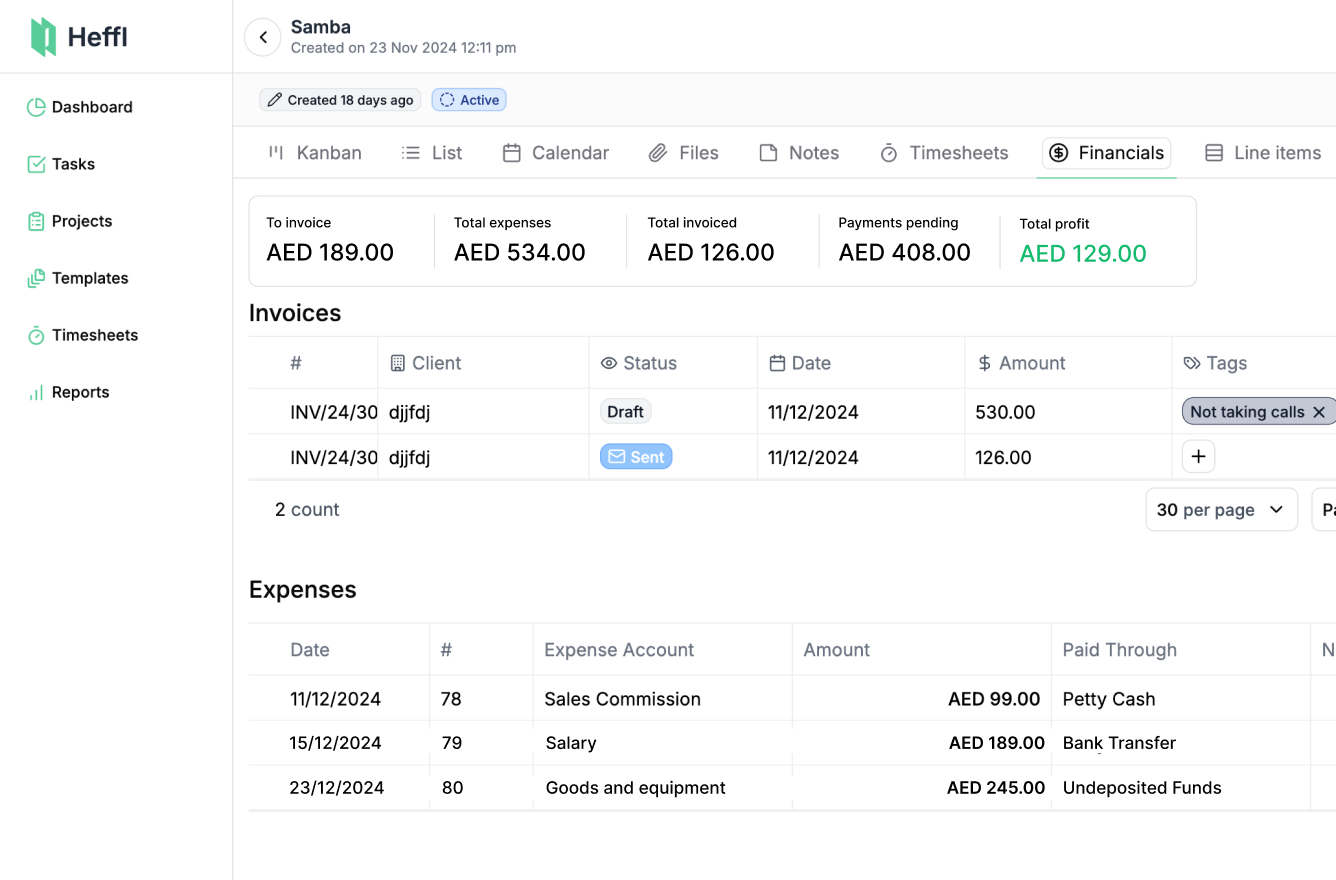
See the money behind the work
Keep project invoices, expenses and financial details close to delivery.
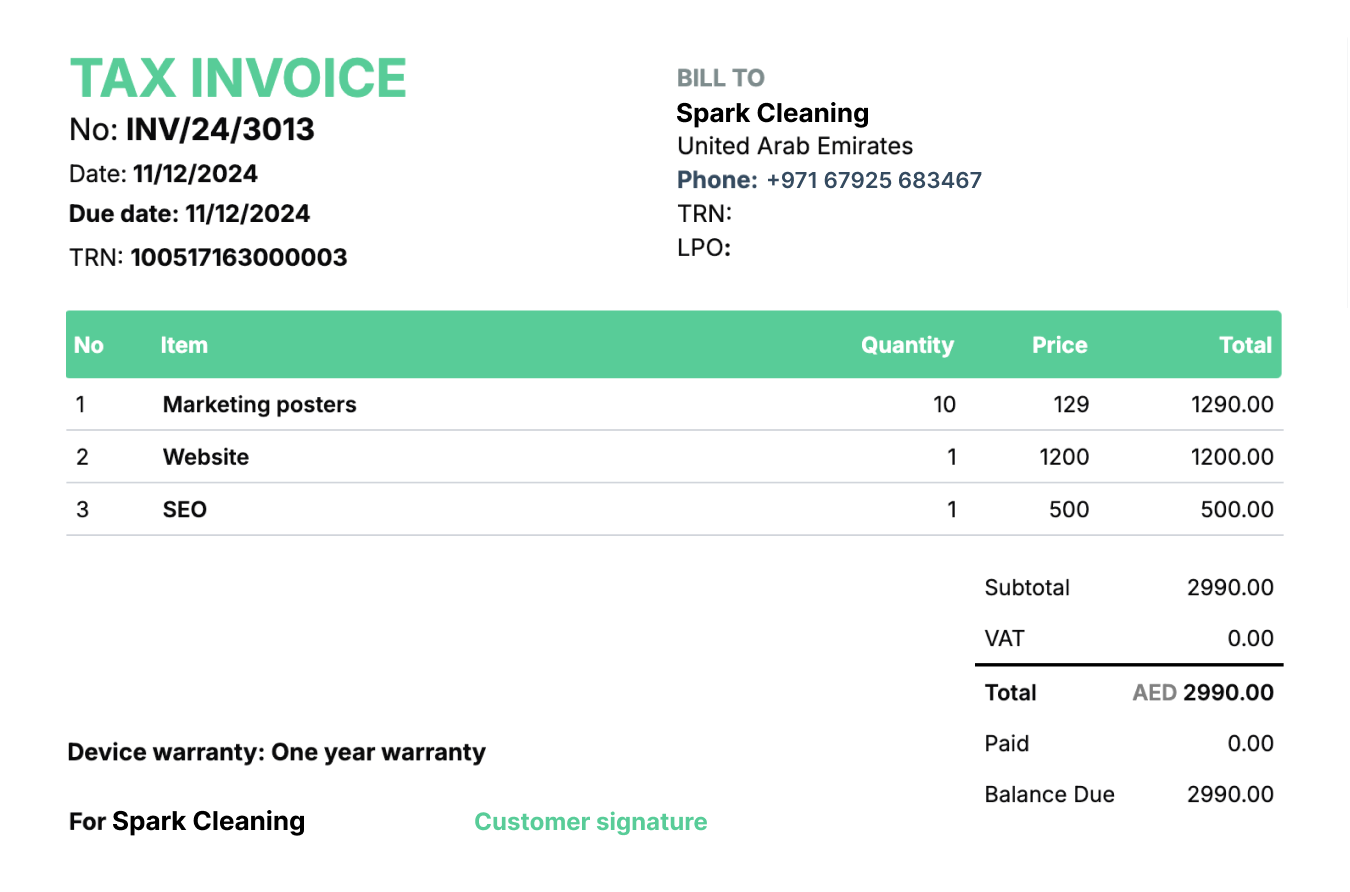
Turn delivery into an invoice
Move from project delivery to the sales documents behind it without losing context.
The details that stop projects from slipping.
Keep the project setup, recurring work, financial context and client handoff in one connected workspace.
Build a project flow that fits
Create project stages that match how your team delivers results.
Reuse the setup that works
Reuse a proven project setup instead of rebuilding stages, tasks and assignees from scratch.
Keep repeat work ready to run
Set up repeat delivery work with the project details, schedule and tasks it needs.
Keep time and money in context
Keep time, invoices and expenses close to the project they belong to.
See what needs attention
Review project activity and financial data without assembling the picture in another tool.
Move from deal to delivery without the gap
Link projects to the deal and quotations that started the work, then automate repeat steps when needed.
Hefy for Projects

Ask what is next. Keep work moving.
Hefy works from the project and task context already in Heffl. Ask what needs attention, prepare the next task for review or run a routine that keeps the week on track.
Ask with the project context already there
Get an answer using the project, its tasks and the client work already connected to it.
Prepare the next task
Turn a project update into supported task work for review, so the next step is ready without a handover chase.
Start the week knowing what matters
Use a recap routine to surface what closed, what slipped and where the team needs to focus next.
Bring your process into Heffl.
Build project workflows your team can follow, then keep delivery, time and financial context together.
14-day free trial. No credit card needed.
The details, without the detour.
Need help choosing a setup for your team? Ask us.
How does AI help with project management in Heffl?
Heffl's AI agent assists with project planning, reviewing recorded work, and preparing next steps. Ask Hefy about the project information available to your account and review supported changes before they are saved.
Read the full answer: How does AI help with project management in Heffl?What collaboration tools are available for project teams?
Heffl offers comprehensive collaboration tools including team chat, file sharing, real-time updates, task assignments, and integrated communication channels for seamless teamwork.
Read the full answer: What collaboration tools are available for project teams?Can I create and manage project documents in Heffl?
Yes, Heffl allows you to create, store, and manage all project documents including contracts, reports, specifications, and custom documents with version control and collaboration features.
Read the full answer: Can I create and manage project documents in Heffl?How does time tracking work in Heffl project management?
Heffl provides comprehensive time tracking with automatic timers, manual entry, team timesheets, project time allocation, and detailed reporting for accurate project billing.
Read the full answer: How does time tracking work in Heffl project management?How do I manage resources and team allocation in projects?
Heffl offers advanced resource management with team capacity planning, skill-based assignments, workload balancing, and resource conflict detection to optimize team utilization.
Read the full answer: How do I manage resources and team allocation in projects?Can I manage client projects and CRM in the same account?
Yes. Projects, client records, deals, quotations and invoices share the Heffl workspace. You can create a project from a deal and manage delivery without moving the client relationship to another tool.
Read the full answer: Can I manage client projects and CRM in the same account?Can Heffl repeat projects for ongoing client work?
Yes. Project templates let you reuse sections, tasks and subtasks. Recurring project profiles generate projects on the schedule you configure. Heffl supports flat-rate and retainer project types.
Read the full answer: Can Heffl repeat projects for ongoing client work?How can I track project finances?
The Finance tab shows invoices, expenses, amounts still to invoice and pending payments. Project reports include budget, actual costs and profit based on recorded data. Access depends on your financial and reporting permissions.
Read the full answer: How can I track project finances?